Which devices work with IPTV in the USA, and how to check yours
Which devices you can watch IPTV on in the USA: Smart TVs, Fire TV, Android, iPhone, iPad, Mac, Windows and Formuler, plus how to find your exact model.
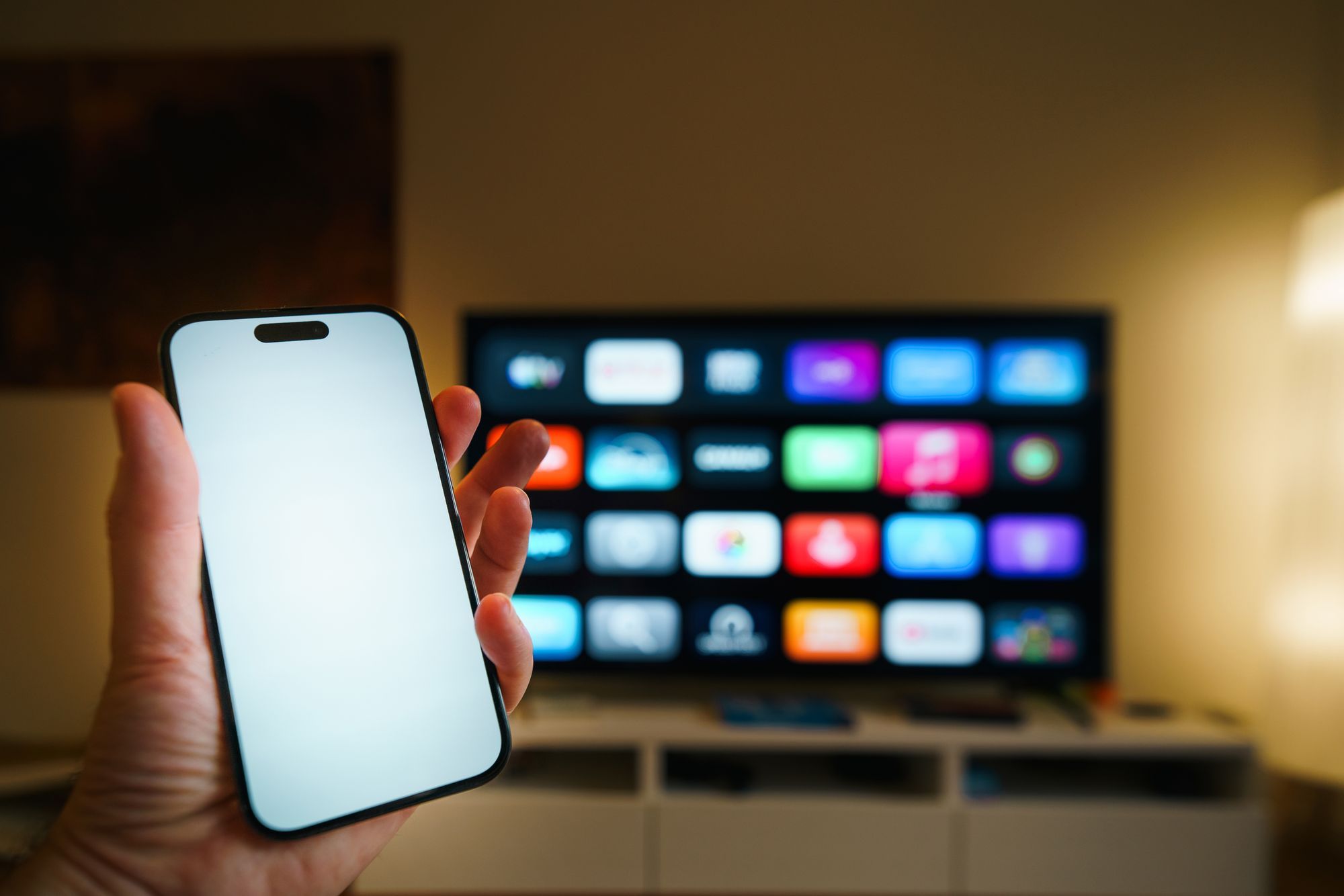
You do not need special equipment to watch IPTV in the USA. You need a device that can install an IPTV player app, and an internet connection. This guide goes through the devices IPTV USA One works on and shows how to check yours before you order.
Devices that work with IPTV USA One
| Device | Notes |
|---|---|
| Smart TV | Samsung, LG and other TVs that can install an IPTV player app |
| Amazon Fire TV | Fire TV Stick and Fire TV Cube |
| Android | Phones, tablets and Android TV boxes |
| iPhone and iPad | Through an IPTV player from the App Store |
| Mac | MacBook and iMac |
| Windows PC and laptop | Through an IPTV player for Windows |
| Formuler | Formuler IPTV boxes |
Every order comes with setup instructions written for your device.
Smart TVs
Smart TVs from brands such as Samsung and LG run their own app stores. Whether a particular IPTV player is available depends on the TV’s operating system and its age. Older TVs sometimes cannot install newer apps. If your TV is several years old, a streaming stick is often the simplest upgrade.
Amazon Fire TV
Fire TV Sticks are among the most common streaming devices in US homes, and they are a popular choice for IPTV. They plug into the TV’s HDMI port. If you want a 4K picture, check that your model is a 4K version; read what 4K IPTV needs.
Android phones, tablets and TV boxes
Android devices can install IPTV player apps from their app store. Android TV boxes plug into the TV like a streaming stick, and many have an Ethernet port for a steadier connection.
iPhone and iPad
On Apple devices you install an IPTV player from the App Store. They are handy for watching in another room or away from home.
Mac and Windows computers
On a laptop or desktop you watch through an IPTV player app for macOS or Windows. If the computer has an HDMI output, you can also connect it to a TV.
Formuler boxes
Formuler makes set-top boxes designed for IPTV. They connect to the TV by HDMI and to the internet by Ethernet or Wi-Fi.
How to find your exact model
Before you order, send us the make and model of your device. Here is where to find it:
- Smart TV: the label on the back of the TV, or the settings menu under “About” or “Support”.
- Fire TV: Settings, then “My Fire TV”, then “About”.
- Android: Settings, then “About phone” or “About device”.
- iPhone and iPad: Settings, then “General”, then “About”.
- Mac: the Apple menu, then “About This Mac”.
- Windows: Settings, then “System”, then “About”.
A photo of the label on the back of the TV works too.
Which device should you use?
For the best experience on a TV, use the TV’s own app if it is supported, or a streaming stick or Android box. A wired connection is steadier than Wi-Fi; our guide to internet speed for IPTV in the USA explains why.
Not sure about your device? Message us on WhatsApp with the make and model, and ask for the free 24-hour trial to test it before you pay.